Lightroom presets
Edit like thephotos you love.
The same looks I use on my own work, packaged as one-click presets for Lightroom Classic, Lightroom and Lightroom Mobile. Import, apply, adjust exposure, done.
Lightroom Classic · Lightroom CC · Mobile (DNG)

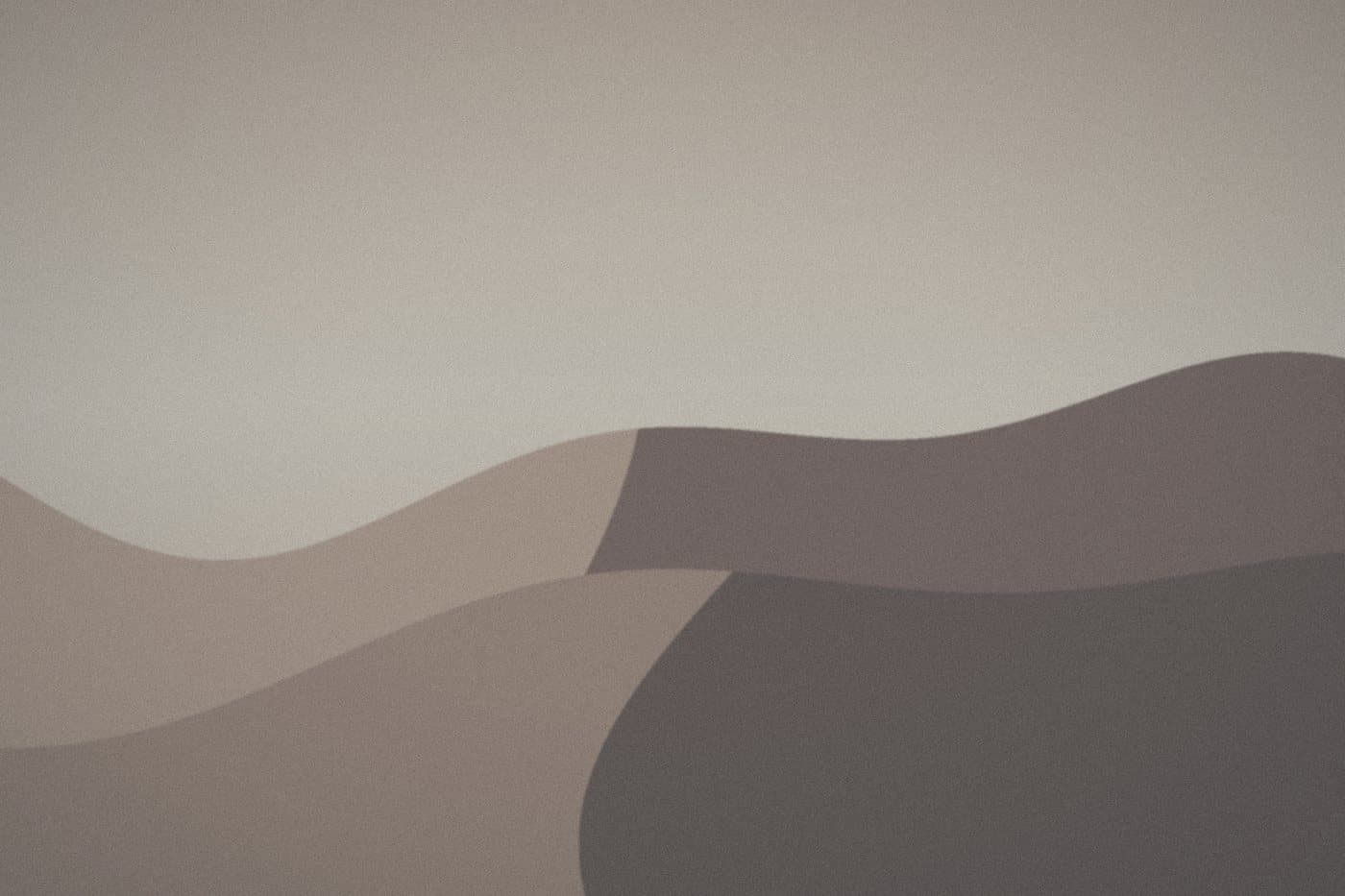
Preset packs
Hover a pack to see the before
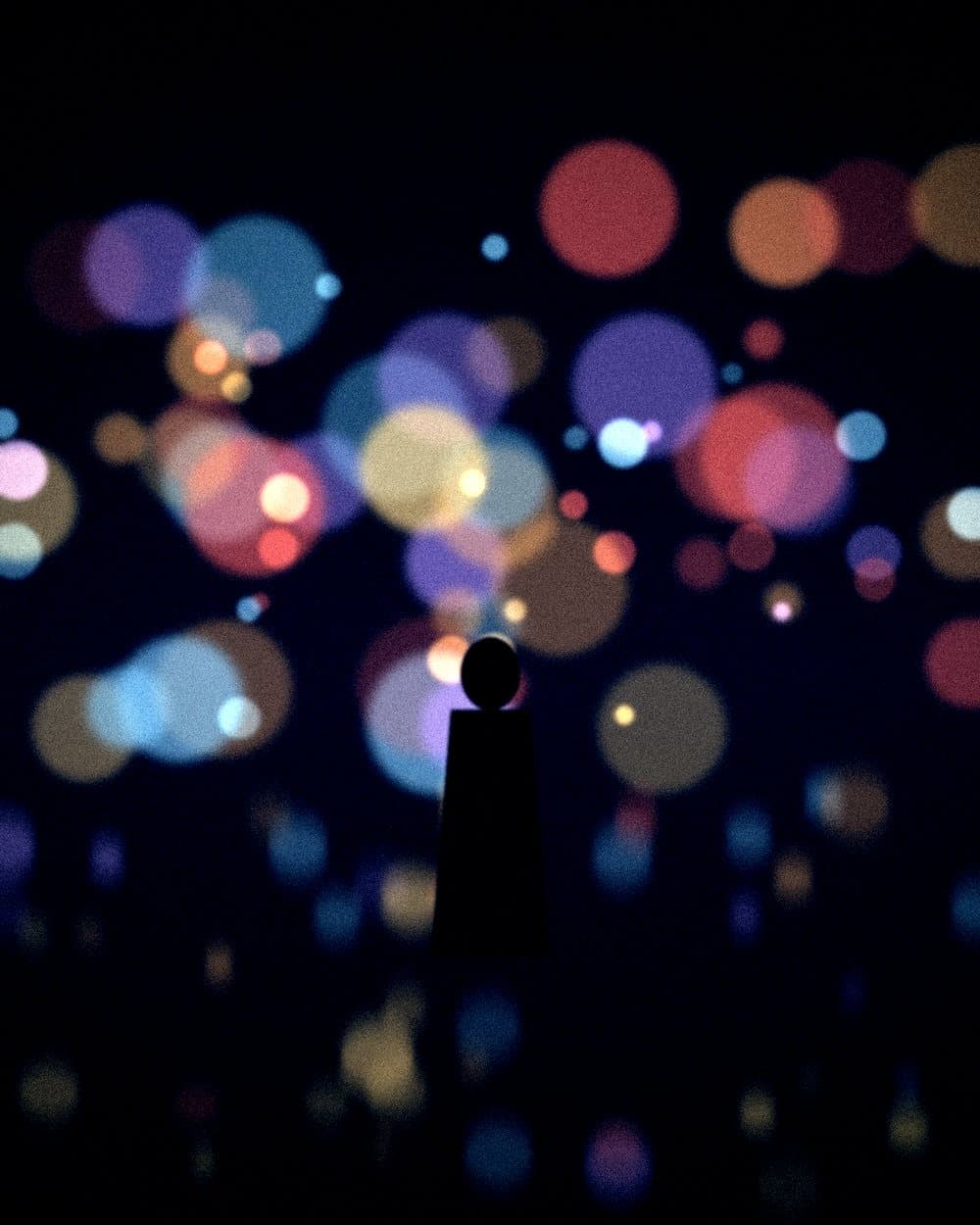
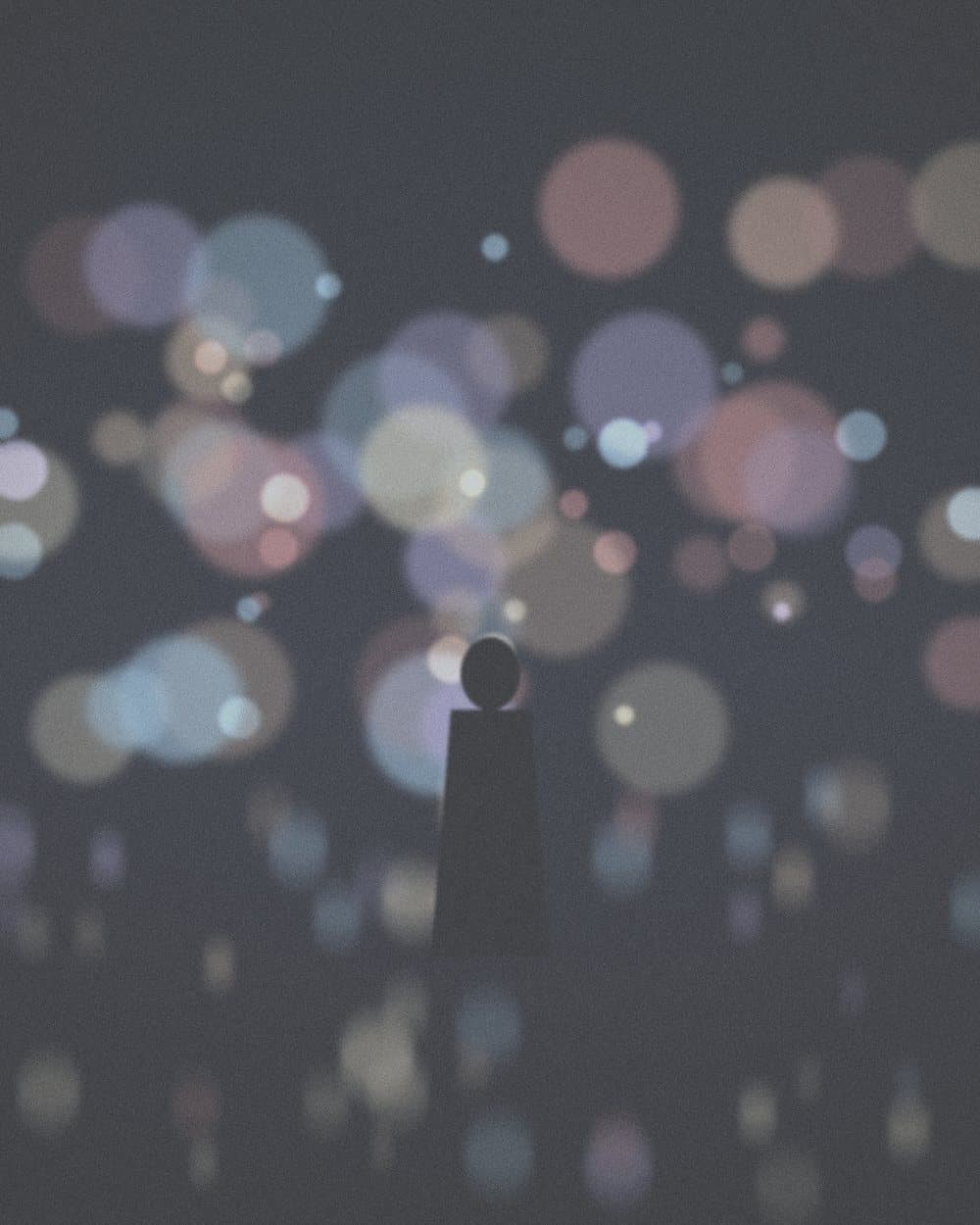
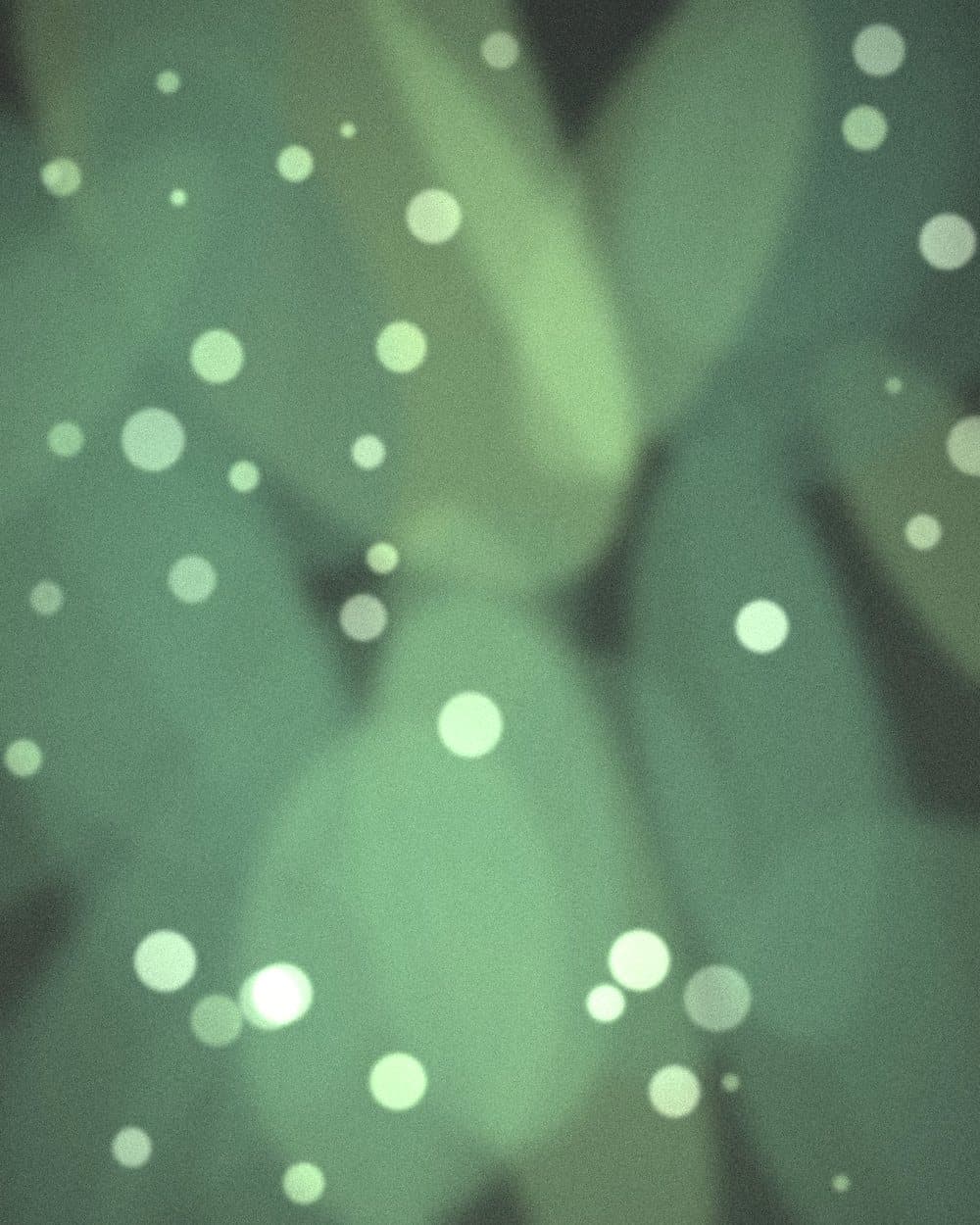





The complete collection
All six packs.
One price.
118 presets across warm, moody, light, black and white and film looks. Free updates for life.


How it works
Free preset
Try one on me.
Leave your email and I will send a free preset from the Golden Hour pack, plus a short guide to installing it.
Questions
Which Lightroom versions do the presets work with?
Lightroom Classic, Lightroom CC and Lightroom Mobile. Mobile presets come as DNG files, so they also work in the free app.
Will they work on any photo?
Presets are a starting point. Adjust exposure and white balance first, then fine-tune with the notes that come with each pack.
Do I get updates?
Free updates for life, delivered by email and available in your download library.
What is your refund policy?
Digital products are not refundable once downloaded. If something does not work, get in touch and I will make it right.
Prefer to see the photographs first?
View galleries →